Getting started
Start a career
- Open Play and press Play game.
- Choose New Game in CM26/27, select a country, enter your manager name and choose a club.
- Allow time for the original engine to create the season: first-time setup took about 20 minutes in our browser test. Use Done to acknowledge opening notices; fixture generation can take time between screens.
- Open Squad Details to assign shirts and set your tactics.
Use a new career for updated squads. Restoring an old career keeps the data with which that career was created.
Save and restore
- Use Save Game inside CM26/27 and wait for it to finish.
- Choose Save to browser to keep the files on this device.
- Choose Download saves to keep a portable backup.
- Next time, start the game and choose Restore Game. On another device, first use Import saves to load your backup. The page reloads; press Play game, then Restore Game.
Browser storage is local to this device and address. Keep a downloaded backup. The updated and historical editions have separate browser saves; import backups into the edition they came from.
Cloud saves
Choose Sign in / cloud saves, then Create account. Use your email and a password of at least 12 characters. Save the recovery key somewhere private; it is your way back in if you forget your password. No emails are sent. You can sign in on another device with your email and password, or use Recover account with your key to reset your password and receive a replacement key. After saving inside CM, open your account and choose Save to cloud. On another device, sign in, choose Restore beside a backup, then launch CM and choose Restore Game.
Cloud backups stay private to your account and keep earlier backups separate. They include all saved careers for the selected edition. Local play and downloaded backups still work without an account.
Mouse, keyboard and phones
Click to use menus. If a quick click is missed, hold briefly before releasing. Drag shirt numbers onto players to select the team. On a touchscreen, enable Tap to drag, tap the shirt and then the player; turn it off for menu clicks. The text box sends manager names into the game.
Right click opens match controls, Enter confirms and Space speeds up commentary. Full screen provides more room; landscape works best on phones. Keep the game tab visible because the emulator pauses hidden tabs.
Phone layouts are checked, but real-device performance has not yet been verified.
Game and software licences
The original Championship Manager game and its assets belong to their respective rights holders. This is an independent browser edition.
js-dos / DOSBox source information · GPL licence · fflate licence
Season photographs
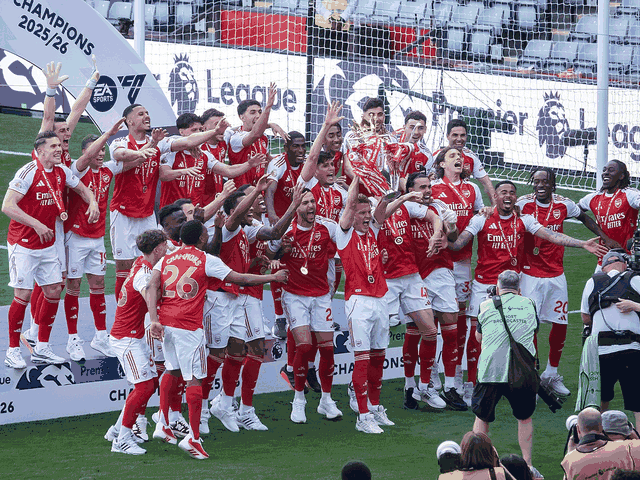
- Arsenal lift the Premier League trophy · 2025/26 · 2026-05-24 · Chensiyuan · CC BY-SA 4.0. Fitted to 4:3, resized to 640x480 and converted to the game’s 64-colour photo palette. Adapted image retains the source licence. View adaptation.
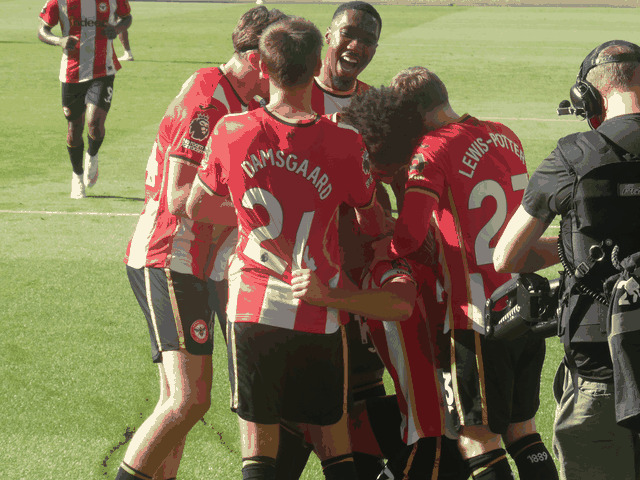
- Brentford celebrate against Sunderland · 2026/27 · 2026-09-05 · Timmy96 · CC0. Fitted to 4:3, resized to 640x480 and converted to the game’s 64-colour photo palette. Adapted image retains the source licence. View adaptation.
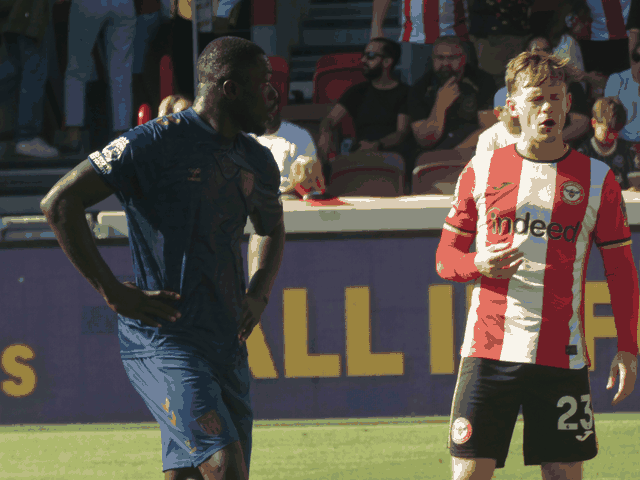
- Brian Brobbey and Keane Lewis-Potter, Brentford v Sunderland · 2026/27 · 2026-09-05 · Timmy96 · CC0. Fitted to 4:3, resized to 640x480 and converted to the game’s 64-colour photo palette. Adapted image retains the source licence. View adaptation.

.jpg)
.jpg)
Modern prices
Start a new career for modern pound prices and the latest starting transfer records. Existing saves keep their original finances. Transfer fees and sources · Economy changes and limitations.